Getting Started with Tags & Pixels
Last updated: March 18, 20265 min readBeginnerBrandDeveloper
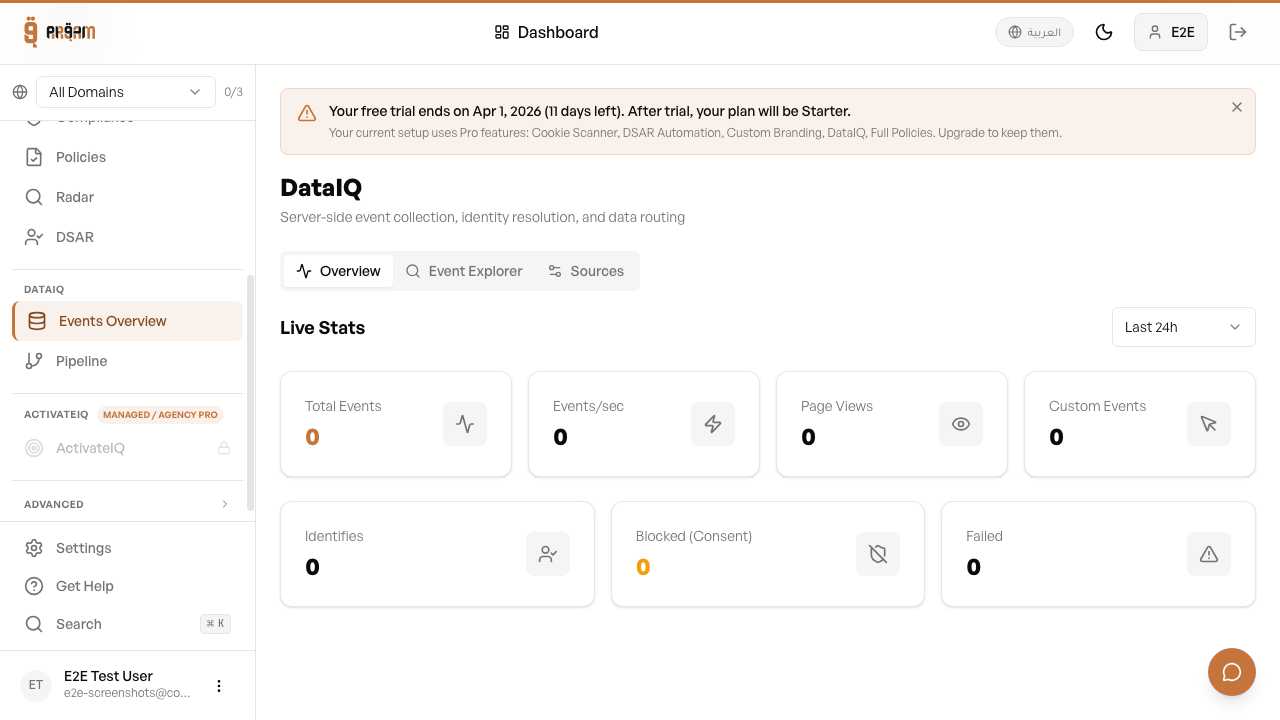
Server-side events is Arqam360's event tracking and data routing layer. It collects client-side events, resolves user identities, and routes data to your connected platforms — all with consent awareness built in.
What are Tags & Pixels?
The server-side events pipeline sits between your website and your analytics/marketing platforms. Instead of sending data directly to each platform, your events flow through Arqam360 where they're enriched, identity-resolved, and consent-filtered before forwarding.
Architecture
- Events SDK (client-side) collects events from your website
- Events are sent to the Arqam360 backend via the Events API
- Identity Resolution merges anonymous and known user profiles
- Routing Rules determine which events go to which platforms
- Platform Connectors deliver events to Meta, GA4, TikTok, etc.
1
Install the Events SDK
Add the dataiq.js script to your website alongside the consent widget.
2
Initialize with your API key
Call dataiq.init() with your Arqam360 API key.
3
Start tracking events
Use dataiq.track() to send custom events.
Server-side events respect consent choices automatically. Events from visitors who haven't consented to analytics/marketing are not forwarded to those platforms.
Was this article helpful?